The Uploadex blog
Share files. Ship faster.
Tool comparisons, hands-on guides, security deep-dives, and product tips — from the people building Uploadex.
Use Cases
Secure File Sharing for Lawyers in 2026: What ABA Rules Actually Require (and Which Tools Comply)
Most attorneys ask the wrong question when it comes to file sharing security — "is this tool compliant?" isn't a yes/no answer under ABA rules. I break down what Rule 1.6(c) and Formal Opinion 477R actually require, where Gmail and WeTransfer fall short, and which tools meet the bar for solo practitioners and small firms in 2026 without enterprise-level pricing.
13 min read
Comparisons
10 Best Free File Upload and Share Sites in 2026 (Limits, Expiry and Speed Tested)
I re-tested ten free file upload sites for this 2026 refresh and several limits have quietly changed: WeTransfer's free tier dropped to 3 GB a month with 3-day expiry, Gofile now deletes after 10 idle days, and one service I used to recommend is offline. This comparison breaks down storage, file size caps, expiry rules and download-page quality with screenshots of every pricing page, so you pick a link that still works next year.
21 min read
Security & Privacy
How to Create a File Sharing Link in 2026 (Every Method That Works)
There are three real ways to create a file sharing link in 2026: dedicated services, cloud storage, and self-hosted. Most people use the first option wrong — they skip the security controls that separate a useful link from a leaky one. This guide covers every method and the five settings worth caring about.
12 min read
Guides
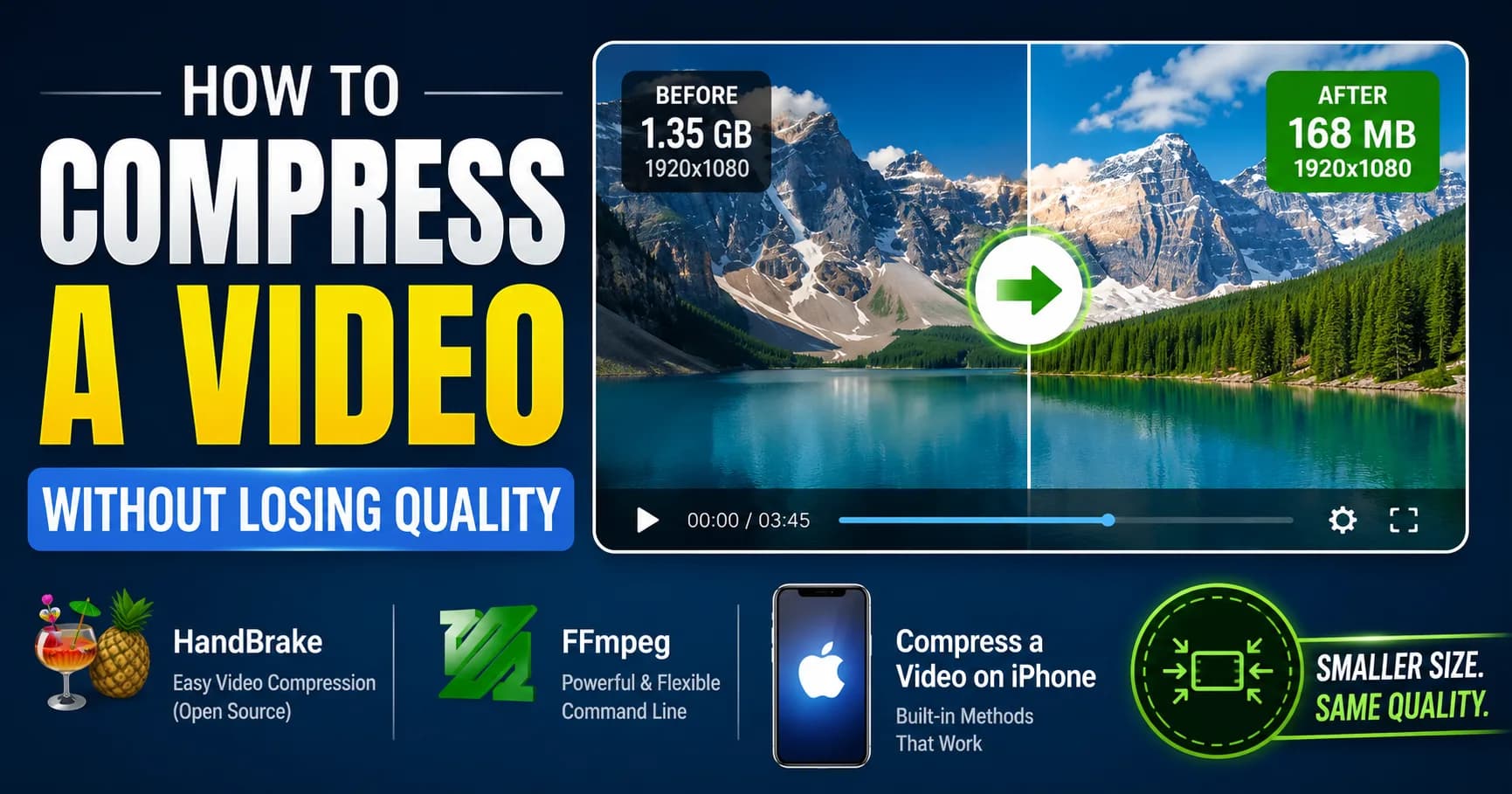
How to Compress a Video Without Losing Quality (2026 Guide — HandBrake, FFmpeg, iPhone)
HandBrake at CRF 22 is still the best free video compression setting in 2026. FFmpeg gives you more control. iPhone has a hidden trick most people miss. This guide covers every method — including the moment you should stop compressing and just send a share link instead. It's faster and the quality is always perfect.
12 min read
Guides
How to Password Protect a PDF (Windows, Mac, Linux, Online) — 2026 Guide
You can password protect a PDF in under a minute on Windows, Mac, and Linux — without paid software. The trick most guides skip: the encryption level dropdown. Adobe Acrobat, macOS Preview, Microsoft Word, and qpdf all support AES-256, but you have to know where to look. Here's the full walkthrough.
13 min read
Security & Privacy
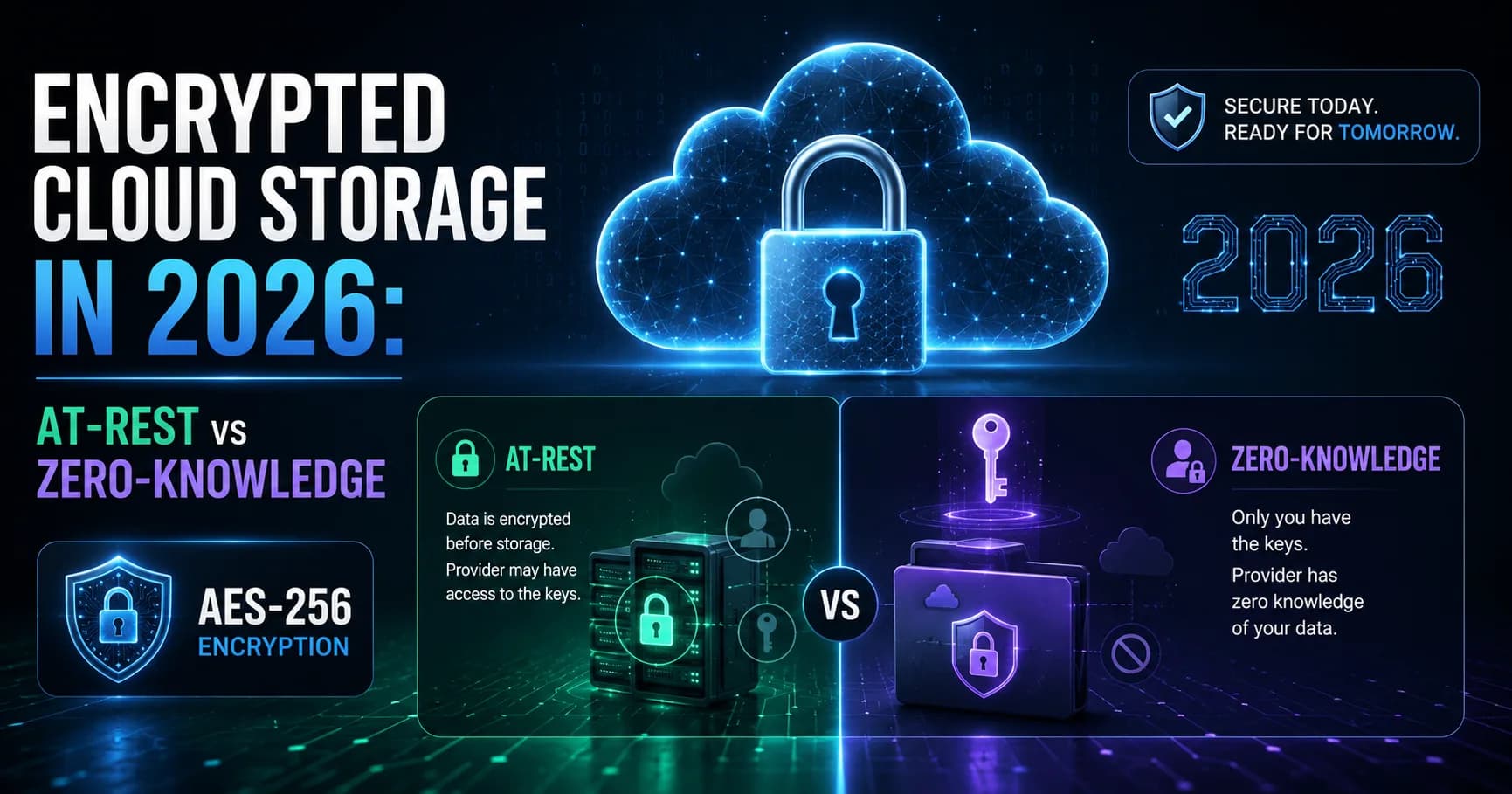
Encrypted Cloud Storage in 2026: At-Rest vs Zero-Knowledge (and What Actually Protects You)
Most encrypted cloud storage providers are lying to you by omission. "AES-256 encrypted" means nothing if they also hold your keys — which most do. This guide breaks down the real distinction: at-rest encryption vs zero-knowledge, which providers actually deliver on the promise, and what to look for before trusting a service with your files.
12 min read

Guides
How to Send Large Files via Gmail in 2026 (Past the 25 MB Limit)
Gmail's 25 MB attachment limit is one of the most Googled frustrations in 2026. There are exactly three workarounds that actually work: Google Drive links, a secure share link from a dedicated service, and file splitting as a last resort. This guide covers all three, with the method I use when it matters.
12 min read
Comparisons
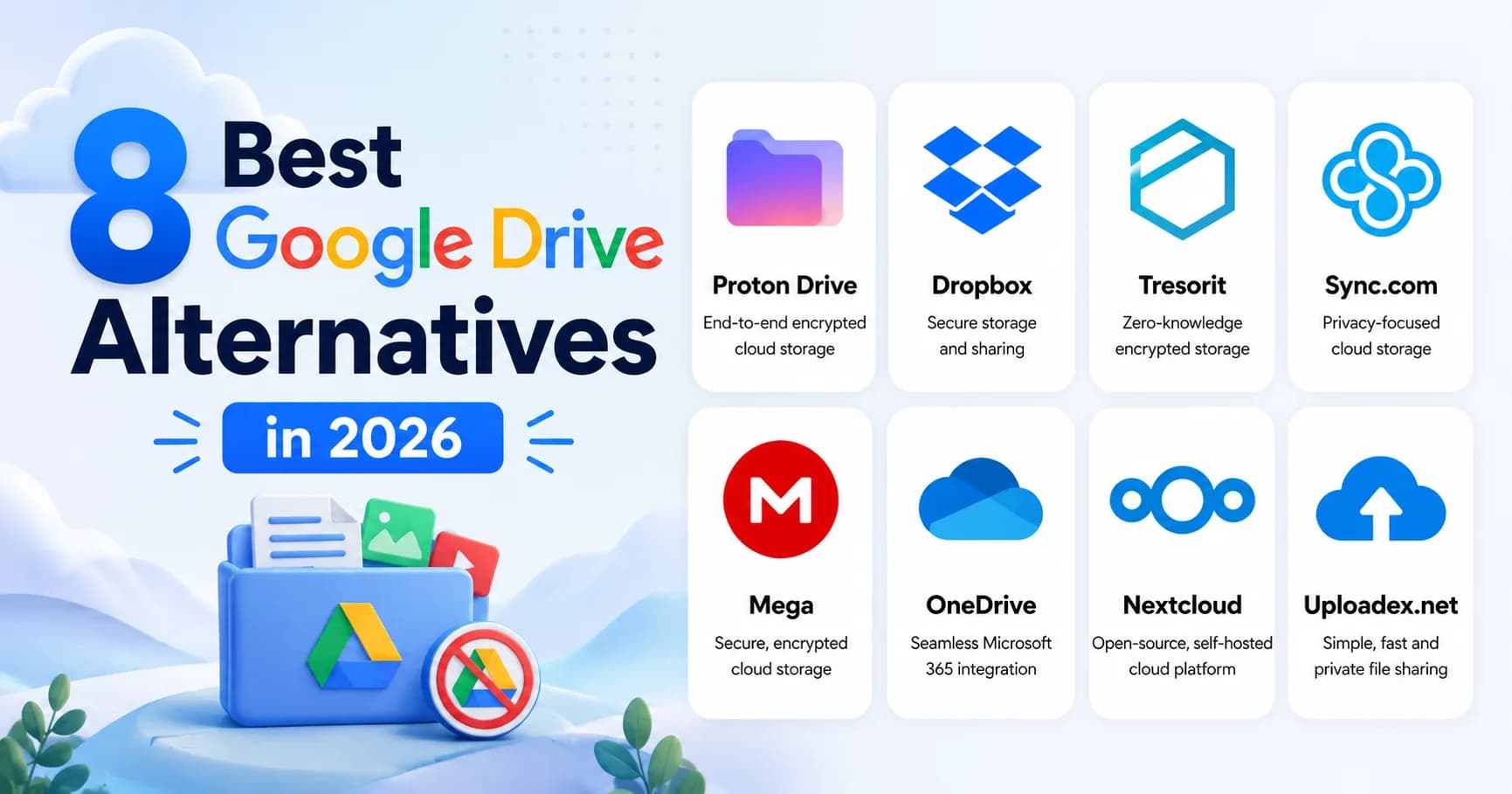
8 Best Google Drive Alternatives in 2026 (Tested for Privacy, Storage, and Sharing)
I tested 8 Google Drive alternatives in 2026 — Proton Drive, Tresorit, Sync.com, Mega, OneDrive, Dropbox, Nextcloud, and Uploadex. Most fail at the same things: weak privacy policies, confusing storage limits, or share links that are technically insecure. Here's what I actually found, and which one I'd recommend by use case.
12 min read
Engineering
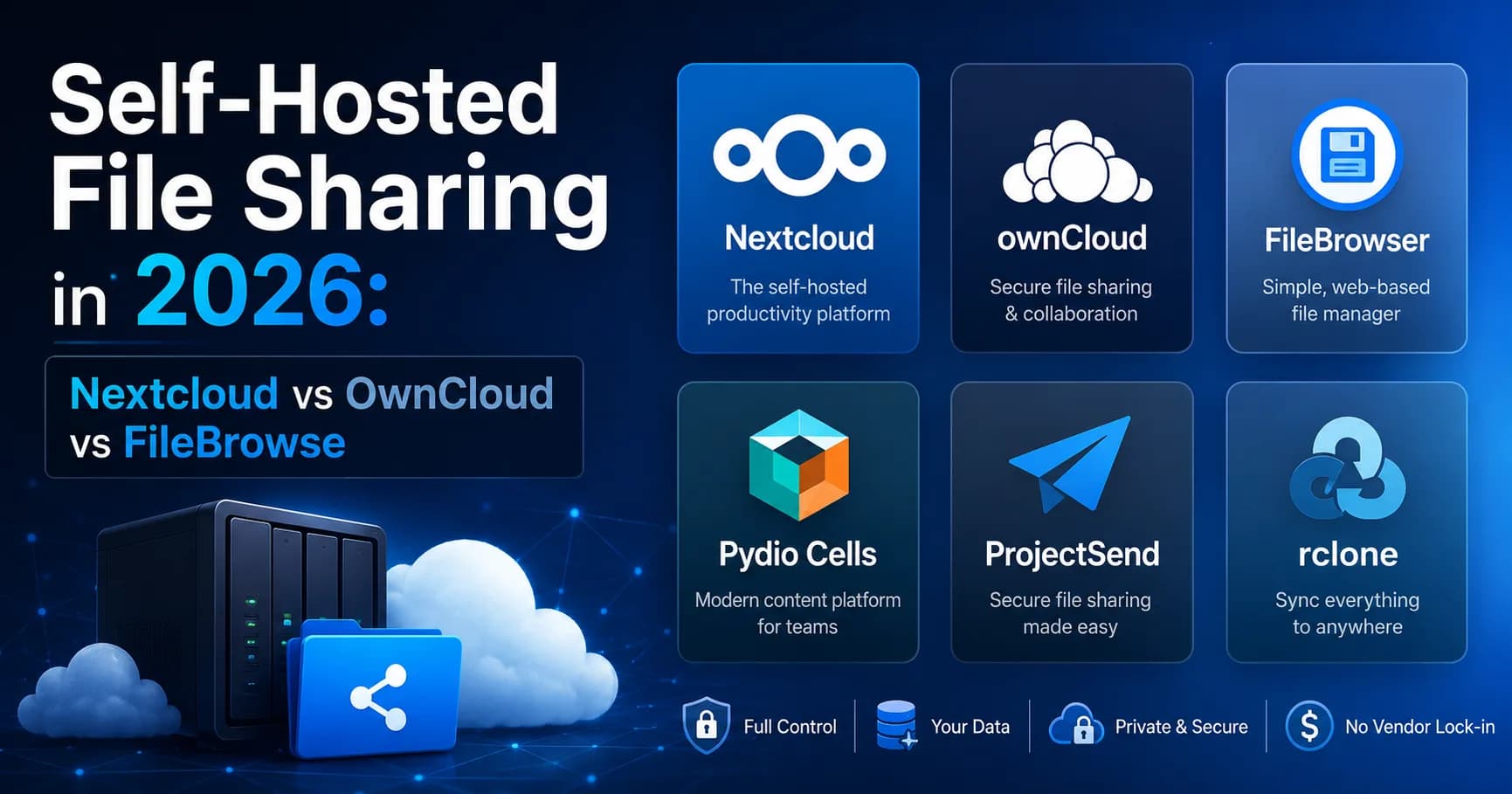
Self-Hosted File Sharing in 2026: Nextcloud vs OwnCloud vs FileBrowser (and 3 More)
I tested six self-hosted file sharing tools in 2026 — Nextcloud, OwnCloud Infinite Scale, FileBrowser, Pydio Cells, ProjectSend, and rclone with Cloudflare R2. Each one makes a different tradeoff between setup complexity, features, and storage cost. Here's what I found, and which one fits which use case.
12 min read
Guides
How to Password Protect a ZIP File (Windows, Mac, Linux) — 2026 Guide
To password protect a ZIP file with strong AES-256 encryption: on Windows, use 7-Zip (free) — right-click → 7-Zip → Add to archive → set password + select "AES-256" under encryption method. On macOS, use Terminal: zip -er archive.zip ./folder/. On Linux, same zip -er command. Do not use Windows 11's
13 min read
Security & Privacy
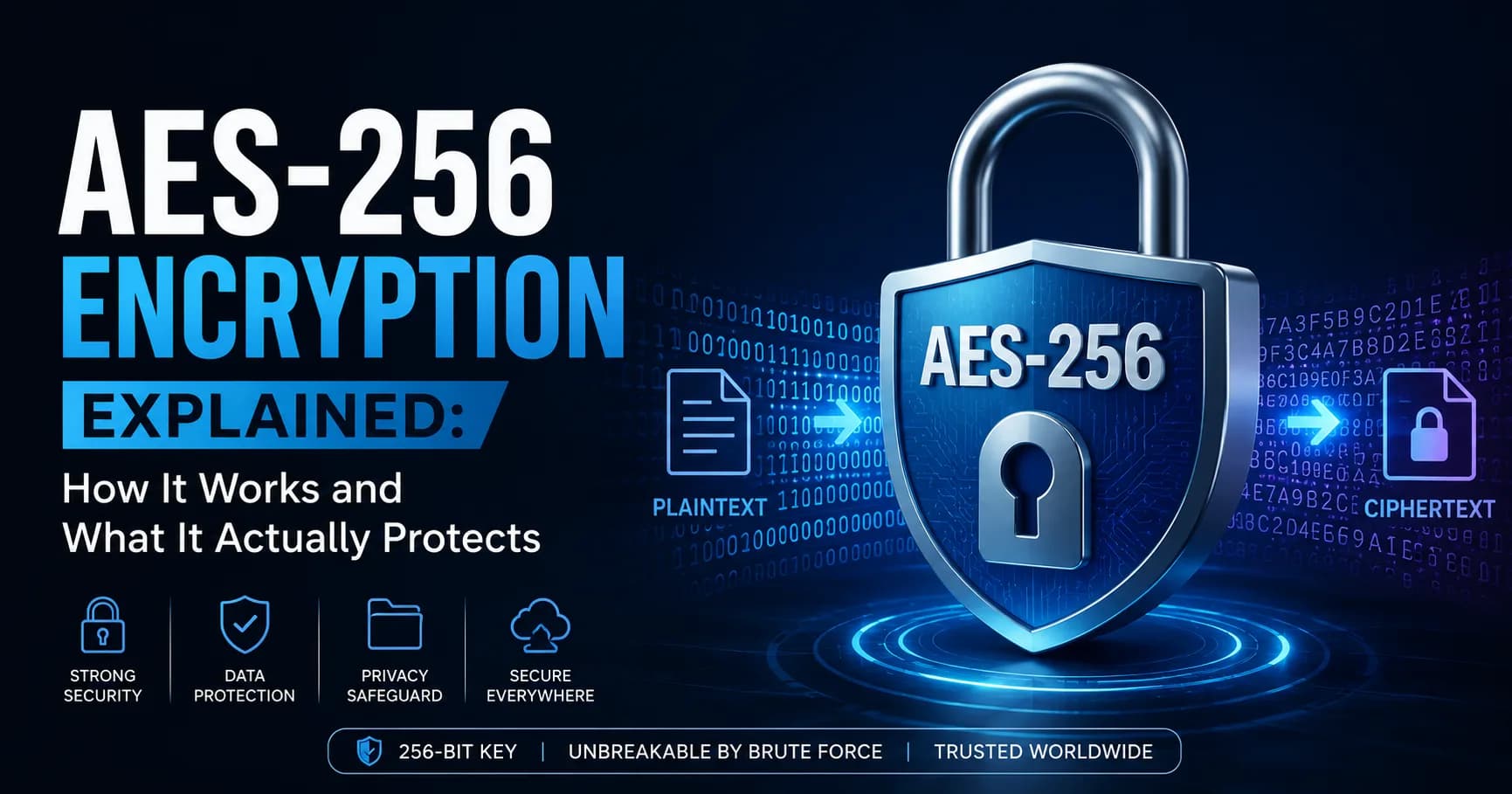
AES-256 Encryption Explained: How It Works and What It Actually Protects (2026)
AES-256 is the 256-bit version of the Advanced Encryption Standard — a symmetric block cipher that NIST standardized in 2001 (FIPS 197) and the NSA approved for protecting top-secret data. It encrypts 128-bit blocks using a 256-bit key across 14 rounds of substitution-permutation operations. In 2026
14 min read

Security & Privacy
How to Send Large Files Securely in 2026: An Encrypted Workflow That Works
TL;DR: To send large files securely in 2026, use a service that combines TLS in transit, AES-256 at rest, password-protected links, link expiration, and...
15 min read
Guides
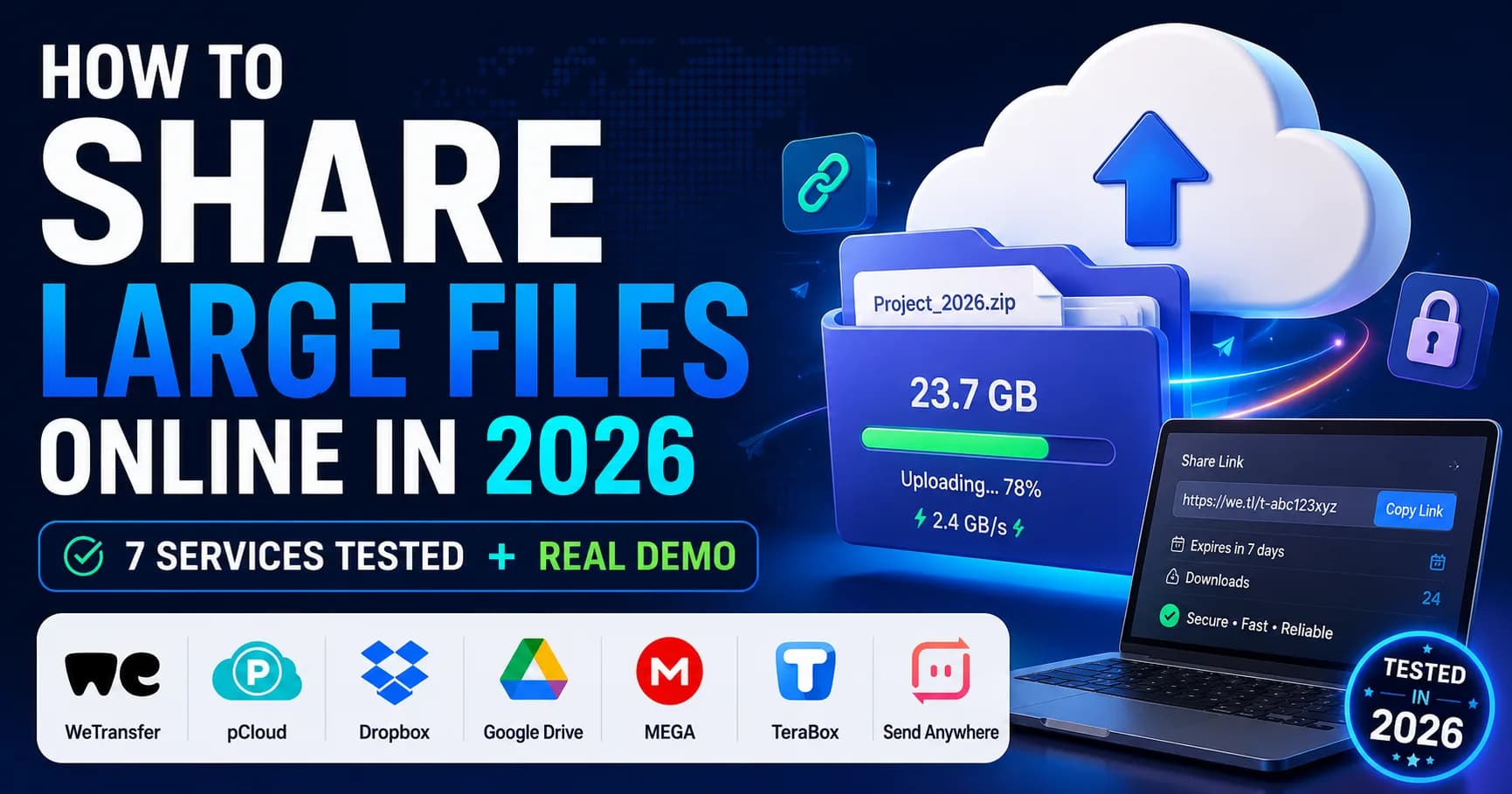
How to Share Large Files Online in 2026: 7 Services Tested + Real Demo
To share large files online in 2026, use a dedicated transfer service like Uploadex, WeTransfer, or Dropbox Transfer instead of email (which caps at 25 MB) or chat apps. Pick by file size: under 2 GB go free, 2–20 GB grab a $5/month plan, over 20 GB you'll need a Business tier or chunked transfer wi
15 min read