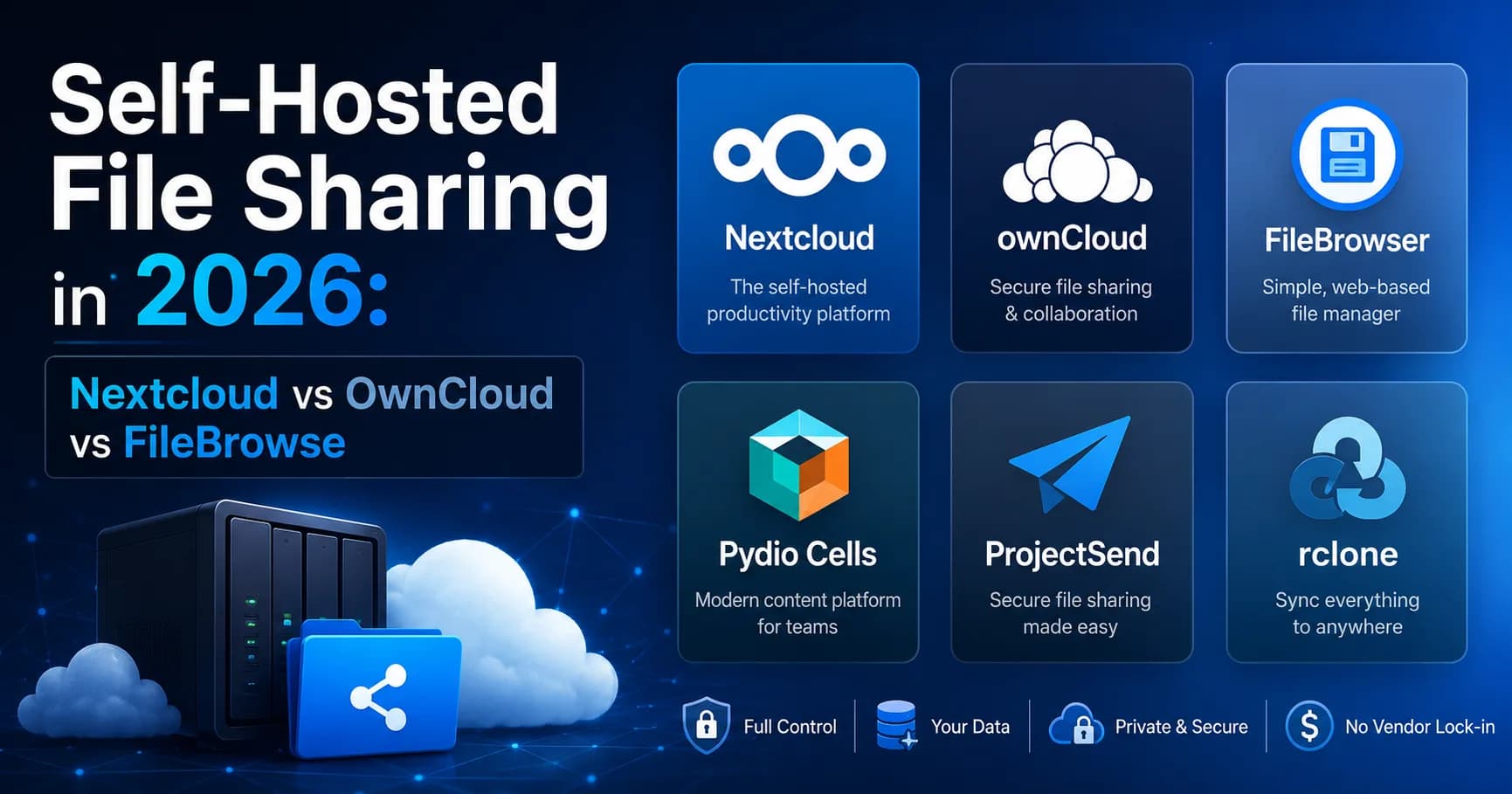
Self-Hosted File Sharing in 2026: Nextcloud vs OwnCloud vs FileBrowser (and 3 More)
I tested six self-hosted file sharing tools in 2026 — Nextcloud, OwnCloud Infinite Scale, FileBrowser, Pydio Cells, ProjectSend, and rclone with Cloudflare R2. Each one makes a different tradeoff between setup complexity, features, and storage cost. Here's what I found, and which one fits which use case.

Surya Prakash
Author
12 min read207
TL;DR: For self-hosted file sharing in 2026, the realistic options are: Nextcloud (full Drive replacement, kitchen-sink feature set, runs on $10/mo VPS), OwnCloud Infinite Scale (Nextcloud's older sibling, faster but smaller community), FileBrowser (single binary, drop-in for a folder + share-link UI, perfect for personal use), Pydio Cells (enterprise-leaning, granular permissions), ProjectSend (purpose-built for client deliverables, simple PHP install), and rclone + S3-compatible storage (no GUI but maximum flexibility). For most engineers: FileBrowser for personal "share a folder over the internet" needs, Nextcloud if you want a full Drive-equivalent for a team. The tradeoff is real: full control + zero vendor lock-in, but you're now the system administrator, backup operator, and security patcher.
I have run self-hosted file sharing of one shape or another since 2015 — first ownCloud on a Raspberry Pi, then Nextcloud on a $5 VPS, currently a mix of FileBrowser and rclone-to-R2 depending on the use case. So when someone asks me "should I self-host my file sharing?" my answer is the boring one: it depends on whether you actually want to be a sysadmin.
This guide walks through every realistic self-hosted file sharing option in May 2026 — what each one does well, where each one falls short, and which to pick for your use case.
Why Self-Host File Sharing in 2026?
Three real reasons people switch away from hosted services like Dropbox, Google Drive, or WeTransfer:
- Data ownership. Files live on your hardware (or your S3 bucket). No third party can read them, scan them, or be compelled to hand them over.
- No vendor lock-in. When Google retires another product, your files don't go with it. Your data is in standard formats (files on disk, S3 buckets) you can migrate anywhere.
- Custom domain + branding.
share.yourbrand.cominstead ofwetransfer.com/abc123. Useful for agencies and freelancers shipping client deliverables.
And three real reasons NOT to:
- You're now the sysadmin. Updates, security patches, TLS certificates, disk monitoring, backups — your responsibility.
- Bandwidth and storage scale with usage. A viral download can blow through a VPS bandwidth quota in minutes; managed services handle this for you.
- The first time the server runs out of disk or the TLS cert expires, your share links break. There's no support ticket to file with yourself.
If those tradeoffs are acceptable, here are the realistic options.
The 6 Best Self-Hosted File Sharing Tools in 2026
1. Nextcloud — best full Drive replacement
License: AGPLv3 (open source) Hosting: runs on any Linux VPS, Docker, or managed offerings (~$5–15/mo) Storage backend: local filesystem, S3, OpenStack, etc. Encryption: AES-256 at rest by default; end-to-end encryption available via the E2EE app.
Why I use it: Nextcloud is the most feature-complete self-hosted option — file sync, share links with expiry and passwords, calendar, contacts, video calls (Nextcloud Talk), online office (Collabora / OnlyOffice). If you want a true Google Workspace replacement on your own server, this is it.
Where it doesn't win: - Heavy. PHP-based, RAM-hungry, slow on underpowered hardware - The mobile apps are functional but not as polished as Drive / Dropbox - Update process can be brittle — major-version upgrades occasionally break

2. OwnCloud Infinite Scale — Nextcloud's older sibling
License: Apache 2.0 Hosting: Go binary (faster than Nextcloud's PHP) Storage backend: local, S3, EOS Encryption: AES-256 at rest; transport TLS
Why I use it: OwnCloud Infinite Scale (oCIS) is the rewrite of the original ownCloud in Go, designed to be faster and more scalable than Nextcloud. For teams who hit Nextcloud's PHP limits, oCIS is the answer.
Where it doesn't win: - Smaller community than Nextcloud — fewer apps, slower release cycle - Some Nextcloud features (Talk, Office) don't have direct equivalents - Newer, less battle-tested
3. FileBrowser — best for personal use
License: Apache 2.0 Hosting: single Go binary, runs anywhere Storage backend: any directory on disk Encryption: transport TLS (no native at-rest encryption — relies on disk encryption)
Why I use it: FileBrowser is the minimalist's choice — one binary, point it at a folder, get a web UI for browsing, uploading, and generating share links. No database, no PHP, no Docker required.
# Install
brew install filebrowser              # macOS
# or download from filebrowser.org/installation

# Run
filebrowser -r /path/to/share/folder
That's it. Web UI on port 8080.
Where it wins: - Lowest setup overhead of any tool on this list - Single binary = trivial backups (just copy the data folder) - Share links with optional password, expiry, and one-time use
Where it doesn't win: - No native sync clients — web UI only - Multi-user management is basic compared to Nextcloud - No native AES-256 at rest — protect via filesystem encryption (LUKS, FileVault, BitLocker)
4. Pydio Cells — enterprise-leaning
License: AGPLv3 (community); commercial license for enterprise Hosting: Go binary, single-node or clustered Storage backend: local, S3, GCS, Azure Blob Encryption: AES-256 at rest, optional end-to-end encryption
Why I use it: Pydio Cells is built for teams with serious permission needs — granular ACLs, audit logs, SAML / OIDC SSO, cell-based multi-tenancy. The most "enterprise" feel of the open-source options.
Where it wins: - Granular permissions (folder-level, role-based, time-bounded) - Built-in audit trail - Strong S3 backend story
Where it doesn't win: - Heavier setup than FileBrowser or basic Nextcloud - Community edition lacks some enterprise features (clustering, advanced SSO) - Smaller user community = fewer how-to guides
5. ProjectSend — best for client deliverables
License: GPLv2 Hosting: PHP + MySQL (LAMP stack) Storage backend: local filesystem Encryption: transport TLS
Why I use it: ProjectSend is purpose-built for "deliver files to clients with download tracking" — exactly the workflow agencies and freelancers run a dozen times a week. Upload files, assign to a client (email-based account), they get an email with a private download URL.
Where it wins: - Simplest "send a file to a client" workflow of any self-hosted tool - Per-client download tracking built in - No-account download UX for the recipient - Tiny resource footprint
Where it doesn't win: - PHP stack — needs Apache/Nginx + MySQL setup - No sync, no folder browsing, no calendar — single-purpose tool - UI is dated
6. rclone + S3-compatible storage — no GUI, maximum flexibility
License: MIT (rclone) + your storage provider's pricing Hosting: rclone runs locally; storage is hosted (Cloudflare R2, Backblaze B2, Minio self-hosted, AWS S3) Storage backend: S3-compatible object storage Encryption: AES-256 at rest (provider) + optional client-side AES-256 (rclone crypt remote)
Why I use it: When I want full control over expiry, access logging, and client-side encryption — without managing a server — rclone + Cloudflare R2 is the cleanest option. R2's free tier (10 GB storage) handles most personal use; B2's is similar.
# Setup R2 remote (one-time)
rclone config

# Upload file
rclone copy ./bigfile.zip r2:my-bucket

# Generate signed URL valid for 24 hours
rclone link r2:my-bucket/bigfile.zip --expire 24h
The signed URL is unguessable, expires automatically, and revocation = delete the object.
Where it wins: - Zero server to manage — rclone is just a client - Real per-link expiry (cryptographically enforced, not just app-level) - Client-side encryption (rclone crypt remote) means even the storage provider can't read your files - Cheapest at scale — R2 has no egress fees, B2 charges $0.01/GB/month
Where it doesn't win: - No web UI — recipient gets a raw object-storage URL - Not appropriate for non-technical recipients - No per-user accounts, no built-in audit trail beyond R2's logs
Self-Hosted File Sharing: Quick Comparison
| Tool | Best for | Storage | Setup difficulty | UI quality |
|---|---|---|---|---|
| Nextcloud | Full Drive replacement | Local + S3 | Medium | Polished |
| OwnCloud oCIS | Fast Nextcloud alternative | Local + S3 | Medium | Polished |
| FileBrowser | Personal "share a folder" | Local | Easy (single binary) | Functional |
| Pydio Cells | Enterprise permissions | Local + S3 + cloud | Hard | Polished |
| ProjectSend | Client deliverables | Local | Medium (LAMP) | Dated |
| rclone + R2 | Developer / scripted | S3 | Easy (CLI only) | None |
How to Choose
Pick by use case, not features:
- "I want a full Google Drive replacement for my team." → Nextcloud (or oCIS if you need it faster).
- "I want to share a folder on my home server with friends." → FileBrowser.
- "I want to deliver files to clients with download tracking." → ProjectSend.
- "I need granular permissions and SSO for a regulated business." → Pydio Cells (or Nextcloud Enterprise edition).
- "I want signed URLs and client-side encryption, no server to manage." → rclone + Cloudflare R2.
- "I just want a Dropbox replacement that I host myself." → Nextcloud.
For each, the actual hosting platform matters:
- VPS (DigitalOcean, Hetzner, Vultr, Linode): $5–15/month, fine for personal and small team use.
- Home server (NAS, Raspberry Pi 5, mini-PC): zero monthly cost but you handle uptime, ISP upload speeds, dynamic DNS.
- Managed Nextcloud (Hetzner Storage Share, OwnCube, Nextcloud Hosting): $5–30/month — outsources the sysadmin work.
When Self-Hosted Isn't the Right Answer
I'll be honest — most "should I self-host?" questions answer themselves with: probably not. The tradeoff is real:
- You save $5–10/month vs Dropbox / Google One
- You spend ~2 hours/month on maintenance (updates, monitoring, certificate renewals)
- One serious outage and you've wiped out the savings
Self-hosting wins when:
- Data sovereignty is a hard requirement (regulated industry, country-specific compliance)
- You're already running infrastructure (you have a home server, a Kubernetes cluster, a VPS doing other things)
- You actually enjoy the sysadmin work — this is the most honest filter
Self-hosting loses when:
- You don't have an existing server and the marginal cost of one is the entire savings
- You don't want to be paged at 2am when the disk fills
- You're a single user who could use the free tiers of Proton Drive / Mega / Sync.com instead — same encryption, zero maintenance
For the hosted-alternative side, see my comparisons: 8 Best Google Drive Alternatives and encrypted cloud storage explainer.
FAQ: Self-Hosted File Sharing
What is the best self-hosted file sharing tool?
For most teams: Nextcloud — it's a full Drive / Dropbox replacement with file sync, share links, password protection, expiration, and an active community. For minimalists who just want a "share a folder" web UI: FileBrowser — single Go binary, trivial setup. For client-deliverable workflows: ProjectSend. For developers who want signed URLs without managing a server: rclone + Cloudflare R2.
Is self-hosted file sharing more secure than Dropbox?
It can be, but only if you maintain it properly. Self-hosted gives you data sovereignty (the provider cannot read your files) and no shared-tenancy risk — but you're also responsible for security patches, TLS certificate renewal, and backups. A neglected self-hosted server is less secure than a managed Dropbox account because the patches stop happening. Self-hosting wins on security only with active maintenance.
Can I self-host file sharing on a Raspberry Pi?
Yes. FileBrowser runs fine on a Raspberry Pi 4 or 5 (single Go binary, no PHP). Nextcloud works on a Pi 5 with 4+ GB RAM but is sluggish on older models. For a home file-share, Pi 5 + external SSD + Cloudflare Tunnel for public access is a popular setup.
How much does self-hosted file sharing cost?
Two cost models. VPS-hosted: $5–15/month for the server (DigitalOcean, Hetzner, Linode), plus storage if you want more than the included disk. Home-hosted: zero monthly cost but ~$200 upfront for hardware (mini-PC or NAS) plus your electricity and internet. For object-storage backed (rclone + R2 / B2): pay only for what you store (~$0.015/GB/month).
Is Nextcloud free?
The community edition of Nextcloud is free and open source (AGPLv3) — you can run it on your own hardware at no cost. Nextcloud Enterprise (paid) adds support contracts, advanced clustering, and certain enterprise apps. Managed Nextcloud hosting from third parties runs $5–30/month.
Can I self-host file sharing without a static IP?
Yes — use Cloudflare Tunnel (free), Tailscale Funnel, ngrok, or a dynamic-DNS service (DuckDNS, No-IP). All expose your home-hosted server to the internet without needing a static IP. Cloudflare Tunnel is the most polished and adds DDoS protection.
What about end-to-end encryption for self-hosted?
Most self-hosted tools encrypt at rest (server holds the keys). For true end-to-end encryption: Nextcloud's E2EE app, Cryptomator as an overlay on any storage, or rclone with a crypt remote (client-side encryption before upload). The trade-off is the same as hosted services — preview, search, and password recovery break under E2EE.
Should I self-host instead of using Uploadex / WeTransfer for one-off sends?
Probably not. Hosted services like Uploadex are tuned for "share a file once, forget it" — the workflow is faster than spinning up a self-hosted setup for a single send. Self-hosting is the right answer for ongoing workloads (a team's daily file sharing, an agency's client deliverables) where the setup amortizes over many uses. For one-off sends, see my WeTransfer alternatives comparison.
Summing Up!
Self-hosted file sharing in 2026 has matured — there are real options for every use case:
- Nextcloud for a Drive replacement
- FileBrowser for personal folder sharing
- ProjectSend for client deliverables
- Pydio Cells for enterprise permissions
- rclone + R2 for developers who want signed URLs without a server
But — and this is the honest version — most one-person operations don't actually save anything by self-hosting. The $5/month VPS plus 2 hours/month of maintenance often costs more in time than Dropbox / Proton Drive / Uploadex would.
Self-hosting wins for data sovereignty, branding (custom domain), or when you're already running infrastructure. For everything else, a hosted encrypted cloud storage provider with zero-knowledge encryption usually delivers the same security guarantees with none of the maintenance overhead.
For the file-transfer side specifically, 9 Best WeTransfer Alternatives covers the hosted options that match self-hosted control with zero setup. And for the broader storage landscape, 8 Best Google Drive Alternatives ranks both hosted and self-hosted picks.
Sources:
- Nextcloud official documentation
- OwnCloud Infinite Scale
- FileBrowser project
- Pydio Cells documentation
- ProjectSend - rclone documentation