


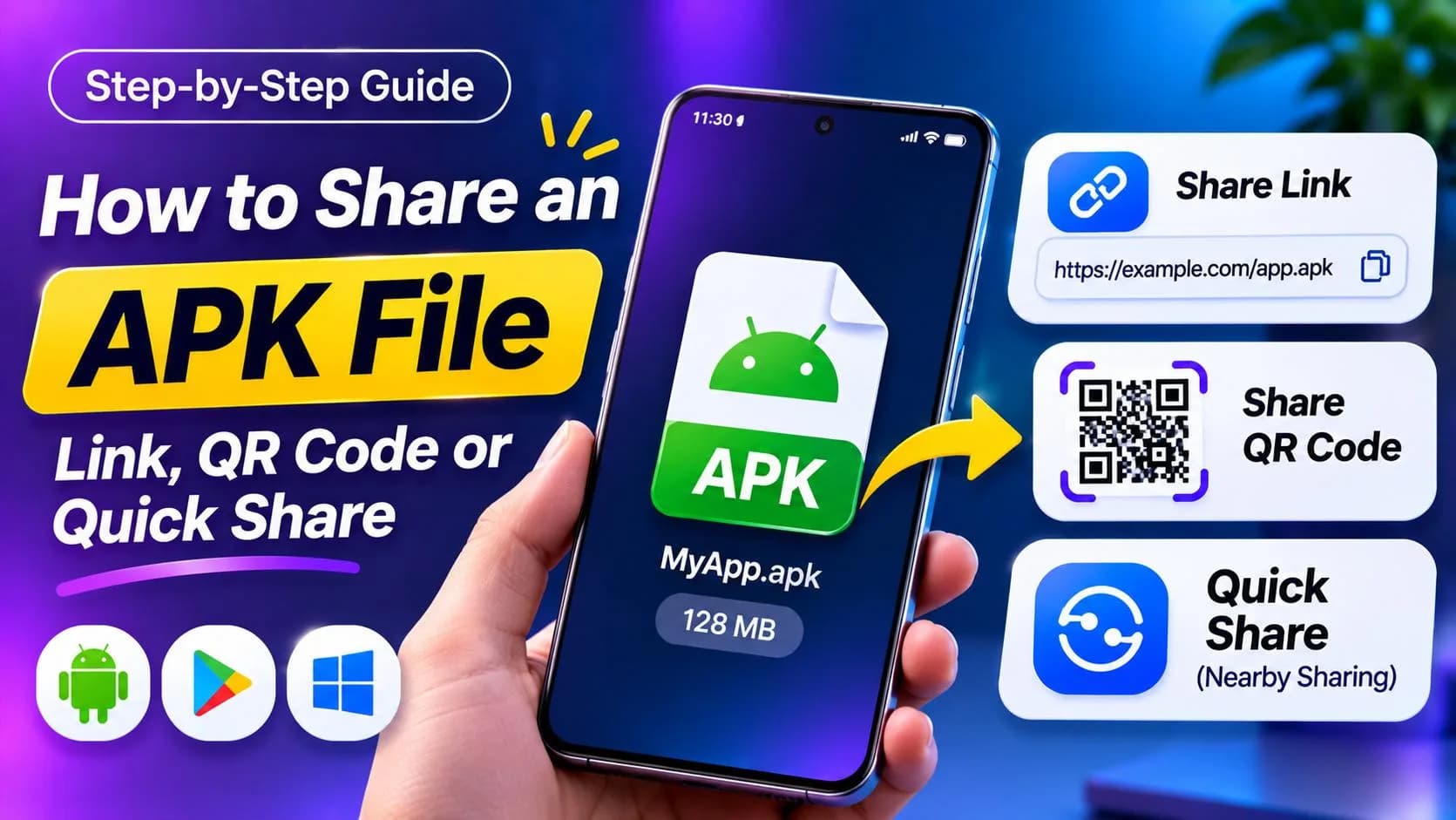
TL;DR: The easiest way to share an APK is to upload it and send a download link — it works for any number of testers, on any app, and you can turn the link into a QR code. For one phone nearby, use Quick Share. The person installing it has to allow "Install unknown apps" for their browser or file manager. Only share APKs you built or have the right to share, and include the SHA-256 checksum so people can check the file.
APK files are how Android apps travel outside the Play Store: test builds for your team, a release for people without Play access, or an internal tool for your company. Sharing one is easy; getting it installed without the "App not installed" dead end is the part people get stuck on.
Before You Share: Make Sure It's the Right File
- APK, not AAB. An Android App Bundle (
.aab) is for the Play Store and can't be installed directly. In Android Studio, use Build → Generate Signed Bundle / APK and pick APK. - One file, not split APKs. Files ending in
.apksor.xapkare bundles of several APKs and need a special installer app. Share a single universal APK if you can. - Signed with the same key every time. Android only installs an update over an existing app if both were signed with the same key.
Method 1: Upload the APK and Share a Download Link
A link is the best option when you share with more than one person or with people who aren't next to you.
- Upload the
.apkat uploadex.net (up to 200 MB without an account, 5 GB per file on a free account). - Optional: add a password for private test builds.
- Copy the link and send it — chat, email, a Discord channel, your website.
- For testers in a room, paste the link into any QR code generator and show the code. They scan it with the phone camera and download straight to the device.
Every link shows how many times it was downloaded, so you know whether your testers actually got the build. If you charge for the app outside the Play Store, you can also put a price on the file. For in-app updaters that need a link that returns the file itself, see how to create a direct download link.
Method 2: Quick Share to a Phone Nearby
For one phone in the same room, Android's Quick Share is the fastest way. Open the APK in your file manager, tap Share → Quick Share, and pick the nearby device. No internet upload is needed.
For apps that came from the Play Store, the Play Store app has its own Share apps option under Manage apps & device, which sends installed apps to a nearby phone.
Method 3: Telegram or Email
Telegram accepts APK files up to 2 GB and is common for sharing test builds in groups. Email works for small APKs only — attachments stop at 25 MB on Gmail and Outlook.com, and some mail filters block .apk attachments. A link avoids both problems.
How to Install a Shared APK (Send This to Your Testers)
- Open the link or file on the Android phone and download the APK.
- Tap the downloaded file. If Android says installs from this source aren't allowed, tap Settings and turn on Allow from this source for that app (your browser or file manager).
- Go back and tap Install. Google Play Protect may show a warning for apps it hasn't seen before; it is your call whether you trust the source.
- Afterwards, turn the "Install unknown apps" permission back off for that app.
Why Does It Say "App Not Installed"?
- Signature conflict: a version signed with a different key is already installed. Uninstall it first (this deletes its data) or sign with the original key.
- Older version: Android won't install a lower version code over a higher one.
- Incomplete download: the file was cut off. Download it again and compare the checksum.
- Wrong file type: it's an
.aabor a split APK bundle, not a single APK. - Device not supported: the app requires a newer Android version or a different CPU architecture.
Share APKs Safely
Modified and "cracked" APKs are one of the most common ways malware spreads on Android, so people are right to be careful. Make it easy for them to trust your file:
- Publish the SHA-256 checksum next to the link. You get it with
sha256sum app.apkon Mac or Linux, orcertutil -hashfile app.apk SHA256on Windows. - Use one consistent link or page for your releases, so testers know where real builds come from.
- Only share apps you made or have the rights to. Sharing other developers' paid or modified apps breaks copyright and our acceptable use policy.
FAQ: Sharing APK Files
How do I share an APK file with someone?
Upload the APK to a file host and send the download link, or use Quick Share if the other phone is nearby. The person installing it must allow installs from their browser or file manager.
How do I turn an APK into a link?
Upload the .apk file to a file-sharing service such as Uploadex and copy the link it gives you. You can paste that link into any chat or turn it into a QR code.
Can I share an AAB file instead of an APK?
Not for direct installs. AAB files are for the Play Store. Build a signed APK in Android Studio (Build → Generate Signed Bundle / APK → APK) to share outside the store.
Why does Android say "App not installed"?
Usually a signature conflict with an already installed version, a lower version code, an incomplete download, or a split APK bundle instead of a single APK.
Is it safe to install an APK from a link?
Only if you trust the source. Check the SHA-256 checksum against the one the developer published, and avoid modified or cracked APKs.
Summing Up!
Build a single signed APK, upload it, and share one link — with a QR code for people in the room and a checksum for anyone who wants to verify it. Use Quick Share when the other phone is right next to you, and keep the "Install unknown apps" steps handy for your testers.
Related guides: