G
Guides
5 posts
Step-by-step Uploadex guides — uploading large files, sharing encrypted links, managing expiry, and secure file delivery workflows for individuals and teams.
Guides Surya Prakash
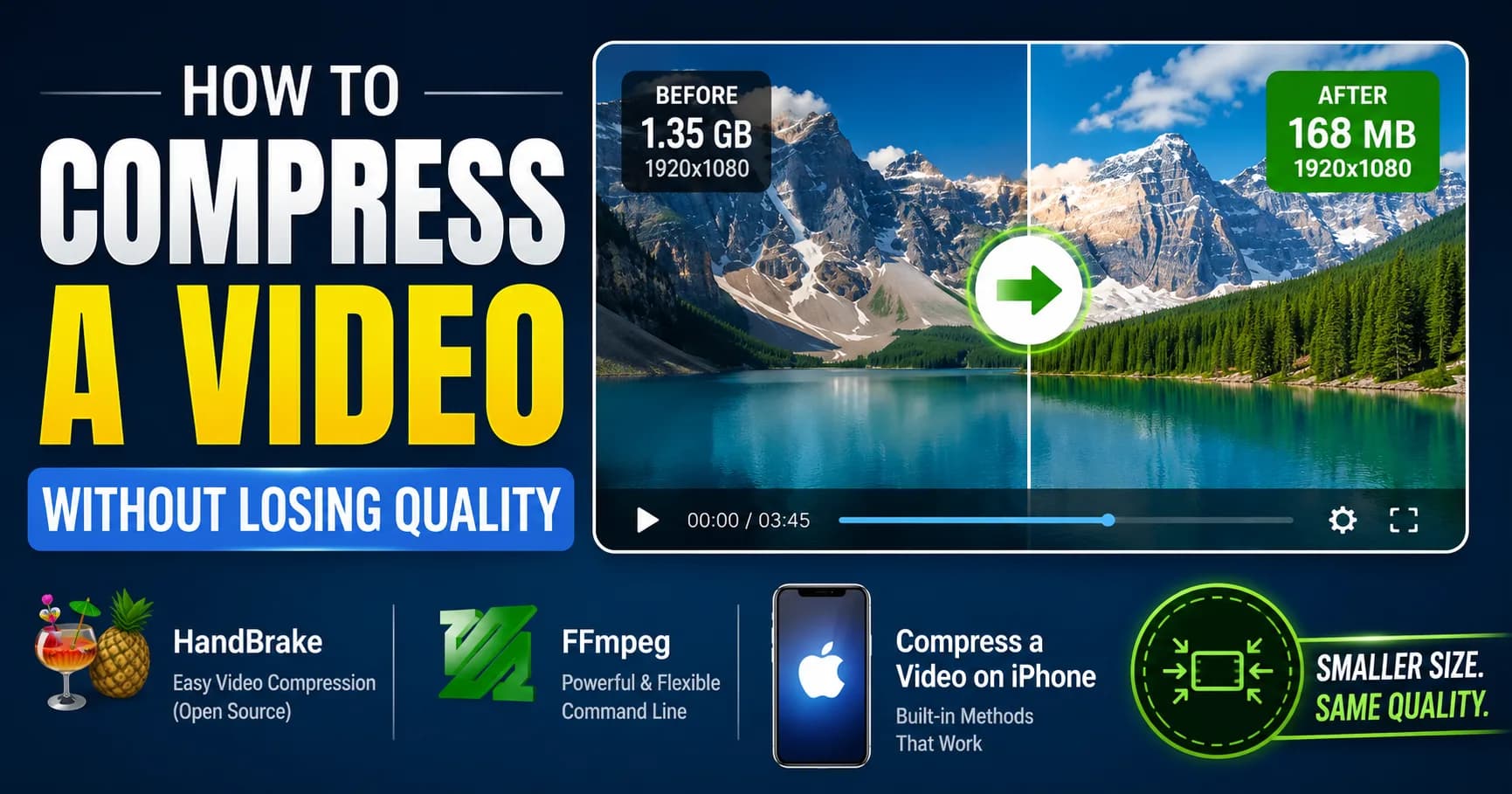
How to Compress a Video Without Losing Quality (2026 Guide — HandBrake, FFmpeg, iPhone)
HandBrake at CRF 22 is still the best free video compression setting in 2026. FFmpeg gives you more control. iPhone has a hidden trick most people miss. This guide covers every method — including the moment you should stop compressing and just send a share link instead. It's faster and the quality is always perfect.
Surya Prakash12 min read86
GuidesSurya Prakash
How to Password Protect a PDF (Windows, Mac, Linux, Online) — 2026 Guide
You can password protect a PDF in under a minute on Windows, Mac, and Linux — without paid software. The trick most guides skip: the encryption level dropdown. Adobe Acrobat, macOS Preview, Microsoft Word, and qpdf all support AES-256, but you have to know where to look. Here's the full walkthrough.
Surya Prakash13 min read37

GuidesSurya Prakash
How to Send Large Files via Gmail in 2026 (Past the 25 MB Limit)
Gmail's 25 MB attachment limit is one of the most Googled frustrations in 2026. There are exactly three workarounds that actually work: Google Drive links, a secure share link from a dedicated service, and file splitting as a last resort. This guide covers all three, with the method I use when it matters.
Surya Prakash12 min read121
GuidesSurya Prakash
How to Password Protect a ZIP File (Windows, Mac, Linux) — 2026 Guide
To password protect a ZIP file with strong AES-256 encryption: on Windows, use 7-Zip (free) — right-click → 7-Zip → Add to archive → set password + select "AES-256" under encryption method. On macOS, use Terminal: zip -er archive.zip ./folder/. On Linux, same zip -er command. Do not use Windows 11's
Surya Prakash13 min read158
GuidesSurya Prakash
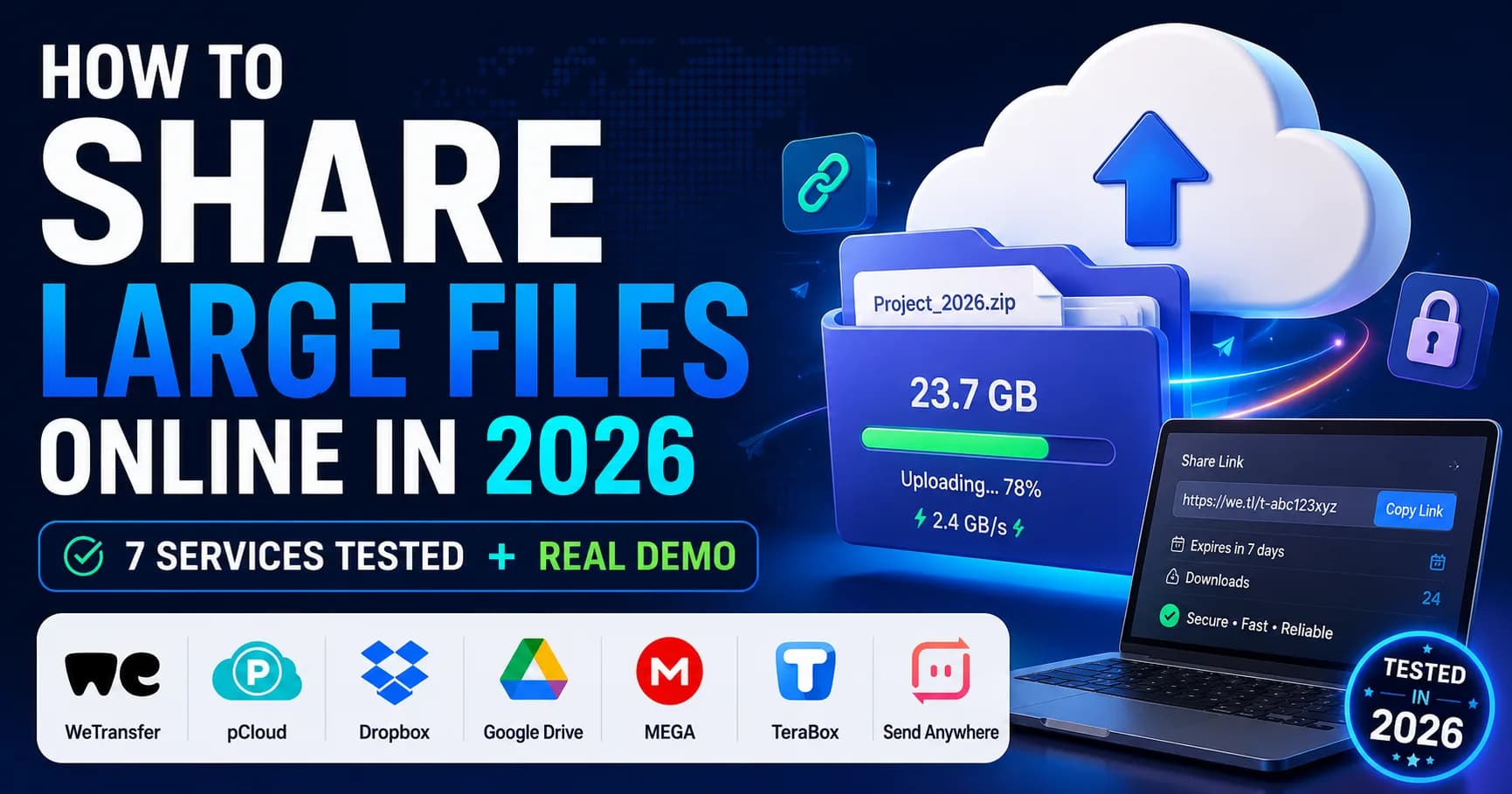
How to Share Large Files Online in 2026: 7 Services Tested + Real Demo
To share large files online in 2026, use a dedicated transfer service like Uploadex, WeTransfer, or Dropbox Transfer instead of email (which caps at 25 MB) or chat apps. Pick by file size: under 2 GB go free, 2–20 GB grab a $5/month plan, over 20 GB you'll need a Business tier or chunked transfer wi
Surya Prakash15 min read45